





The CoilSense Support and FAQ page answers some of the more common questions asked about CoilSense.
1. What is CoilSense and who is it for?
CoilSense is a reference tool for guitarists, guitar technicians, and luthiers who need quick and accurate pickup wiring
colour codes information. Whether you’re swapping pickups, wiring a new guitar, or comparing brands, CoilSense
gives you the information in one place.
2. What's included in the free version?
The free version includes wiring colour codes and coil-split configurations (inner and outer coil)
for all supported manufacturers. You can search for a specific brand or browse through our full list, view pickup images and see the wiring colour codes used for standard wiring. You can also see typical coil-split wiring with our Alpha pot wiring layouts.
3. What does Pro unlock?
Pro adds CTS pot wiring layouts, phase-switching configurations, series/parallel wiring
options, full Compare Mode, and multi-voice options for supported pickups (e.g. Fishman). It’s a
one-time lifetime purchase — no subscription.
4. How do I compare two pickup brands side by side?
Select your first manufacturer from the list, then tap the Compare button. You’ll be prompted to
choose a second manufacturer. On iPad, the two are shown side by side; on iPhone, you
swipe between them. You can control whether settings like pot type and coil selection are linked or
independent using the link icon in the compare menu.
5. What do the Inner Coil and Outer Coil options mean on the Coil-Split tab?
When a humbucker is coil-split, you can choose which coil remains active. “Inner” refers to the coil closest to either the middle pickup, if you have one, or the other pickup in your guitar; “Outer” is the coil closest to the neck or bridge, depending on the pickup position. Different choices produce different tonal characters — CoilSense shows the correct wiring for each.
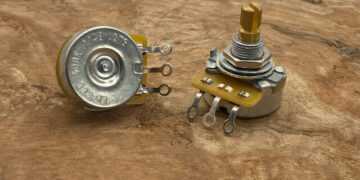
6. What's the difference between Alpha and CTS pot wiring?
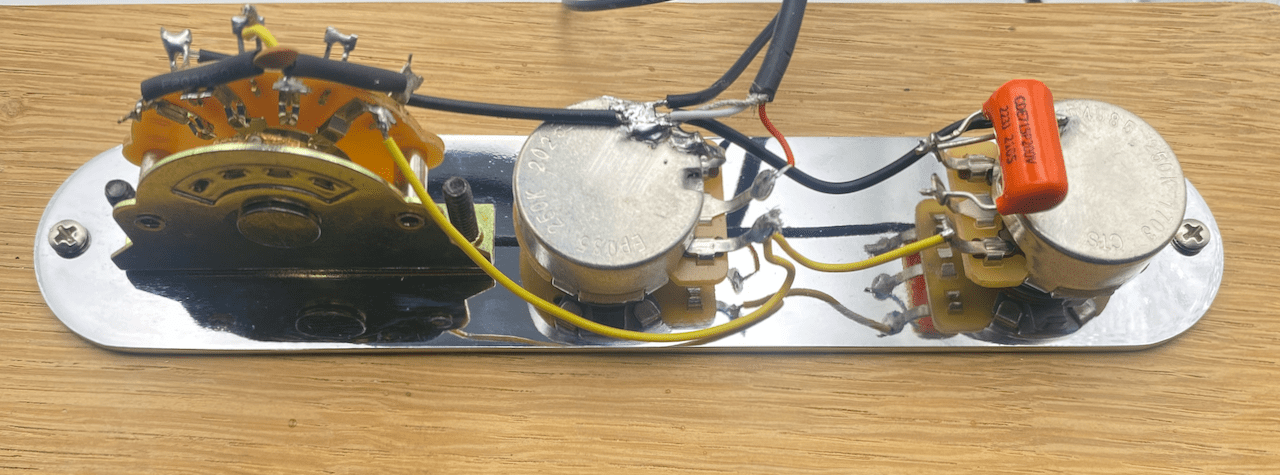
Alpha and CTS potentiometers have their solder lugs in different physical positions, so the wiring
layout differs. CoilSense shows accurate lug diagrams for both. Alpha is available free; CTS
diagrams require Pro.
7. I bought Pro but it's not showing on my new phone — how do I restore it?
Open the menu (top-right), tap Upgrade to Pro, then tap Restore Purchases. Your purchase is tied to
your Apple ID and will be reinstated at no charge.
8. Does CoilSense work offline?
Manufacturer and pickup data loads from the cloud, so an internet connection is needed to browse.
Once a manufacturer’s data has been loaded it’s cached, so recently viewed content may still be
accessible offline.
9. Does the app collect any personal data?
No personal data is collected. CoilSense uses anonymous Firebase authentication — no account,
email, or login is required. The only data stored is your anonymous user ID and your purchase
record (to restore Pro status). This is never shared or used for advertising.
10. My pickup brand isn't listed — can you add it?
CoilSense covers the most widely used manufacturers, but the database is updated regularly. If your brand is missing, get in touch via the support page and it’ll be considered for a future update.